
Flows
When “if this, then that”isn't enough.
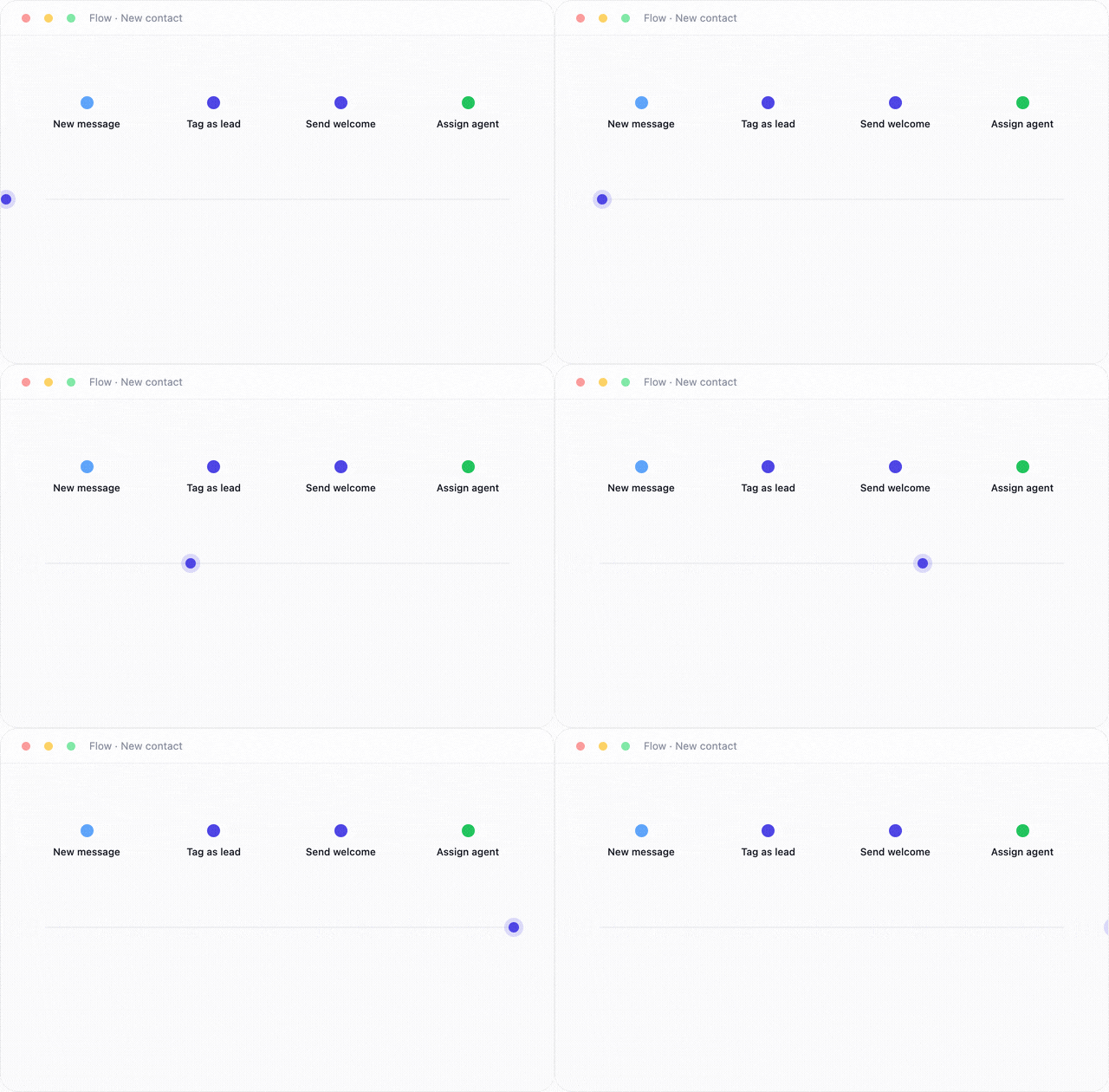
Drag out branching logic, waits, conditions, and webhook calls on a visual canvas, the same building blocks as Automations, with room for genuinely complex journeys.
The problem today
Some journeys need more than one rule
Today
- A qualification journey with five branching questions
- No way to wait a day before following up
- No way to call another system mid-conversation
- Complex logic scattered across a dozen separate rules
With InboxCenter
- Branch on any answer or contact field
- Wait steps built in: hours, days, whatever the journey needs
- Call out to another system with a webhook step
- One canvas, the whole journey, visible to your team
Flows give you one visual canvas for the whole journey.
How it works
1
Drag out nodes
Messages, conditions, waits, webhooks.
2
Connect the logic
Branch based on answers or contact data.
3
Test it
Run a test conversation through the canvas.
4
Publish
Every run is logged for you to review.
Built for real journeys
Real branching
Route conversations based on any answer or field.
Wait steps
Follow up hours or days later, automatically.
Webhook calls
Reach into another system mid-flow.
Full run visibility
See exactly which path every conversation took.
Frequently asked questions
Build your first flow today
No code required. Drag, connect, and publish.